
01
Upload your real room photo
Start with the room you actually want to redesign so the AI works from your layout, lighting, and camera view.
AI Interior Design Features
Roomagic helps you redesign a real room with AI. Upload your room photo, choose a style, generate multiple design directions, compare before and after, and review design guidance with material ideas and budget notes.
How it works
Explore visual directions for your own space, then move forward with more clarity and confidence.
Start with the room you actually want to redesign so the AI works from your layout, lighting, and camera view.
Select the room, pick from 35+ styles, and add extra notes to guide the redesign toward your taste.
Create up to four AI room design options for the same space and compare which direction fits best.
See the render, compare before and after, then review material ideas and budget notes before you move forward.
Core features
Start with the room you actually want to improve. Upload a bedroom, living room, kitchen, or another space and explore design ideas for that exact scene.
Try Scandinavian, Minimalist, Japandi, Industrial, Bohemian, Modern, and more without rebuilding the prompt from scratch every time.
Generate several directions for the same room so you can compare layouts, mood, and styling instead of committing to a single output.
Each completed render includes a polished AI design report with design direction, material ideas, and budget notes to support your next step.
Keep the direction you like, download the image, and share it with family, contractors, or collaborators during renovation planning.
Share room redesigns when you want inspiration and feedback, or keep generation private when you need more control over visibility.
Before and after
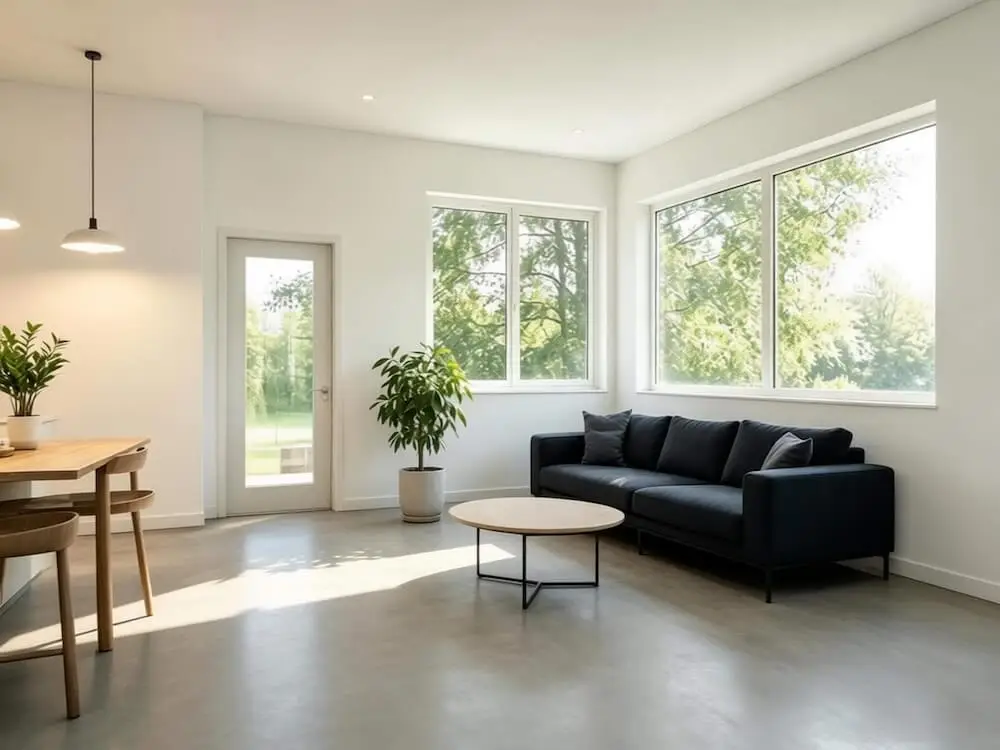
These example pairs show how one room photo can branch into different design directions without losing the original context of the space.
Featured comparison
A calm minimalist bedroom concept with warm neutrals and a more intentional furniture layout.
Drag to compare
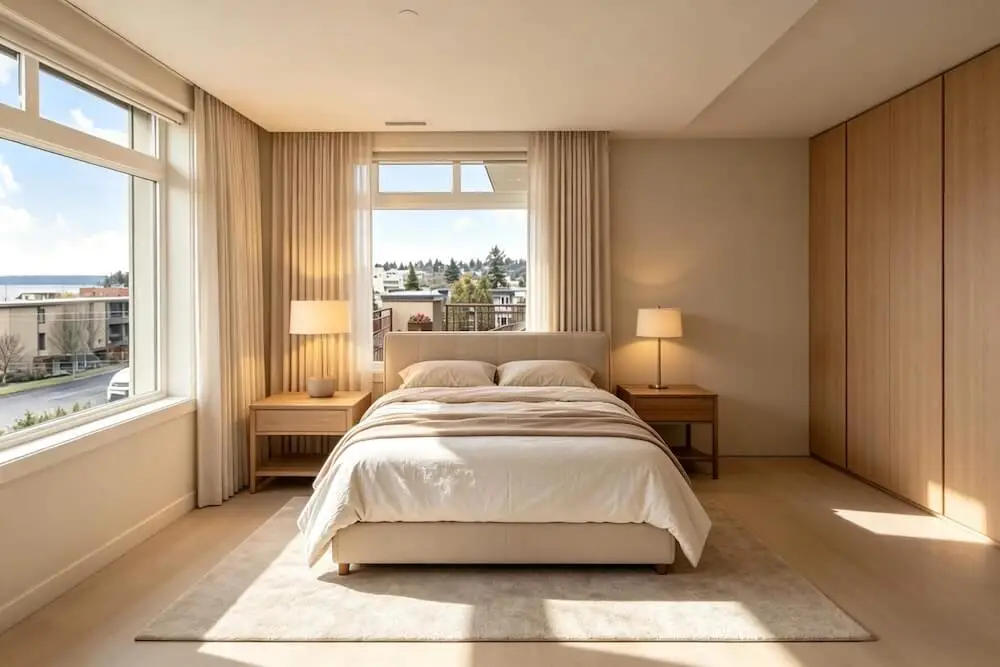
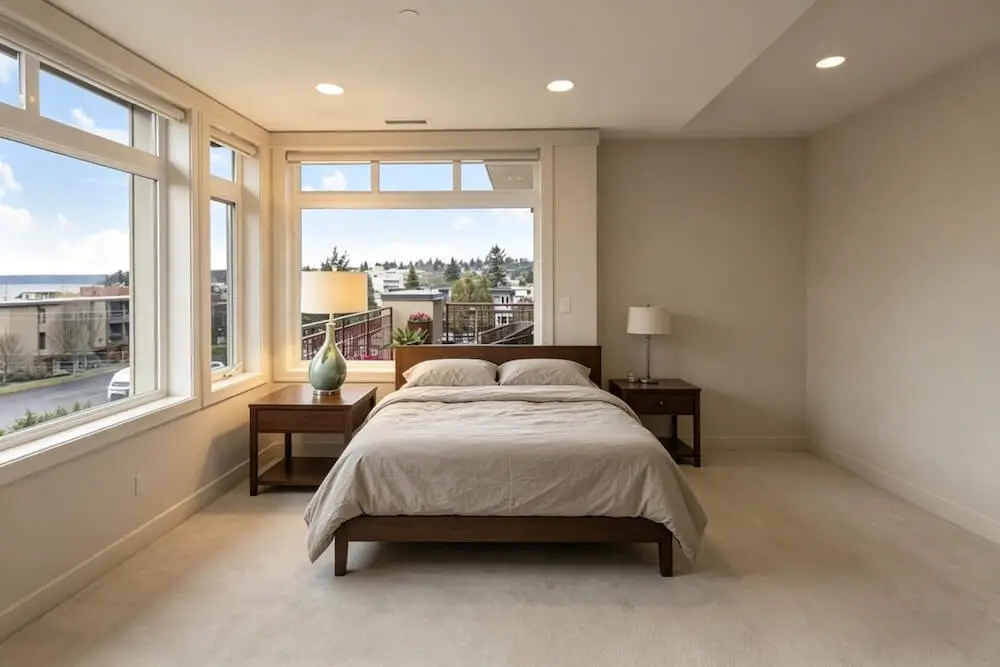
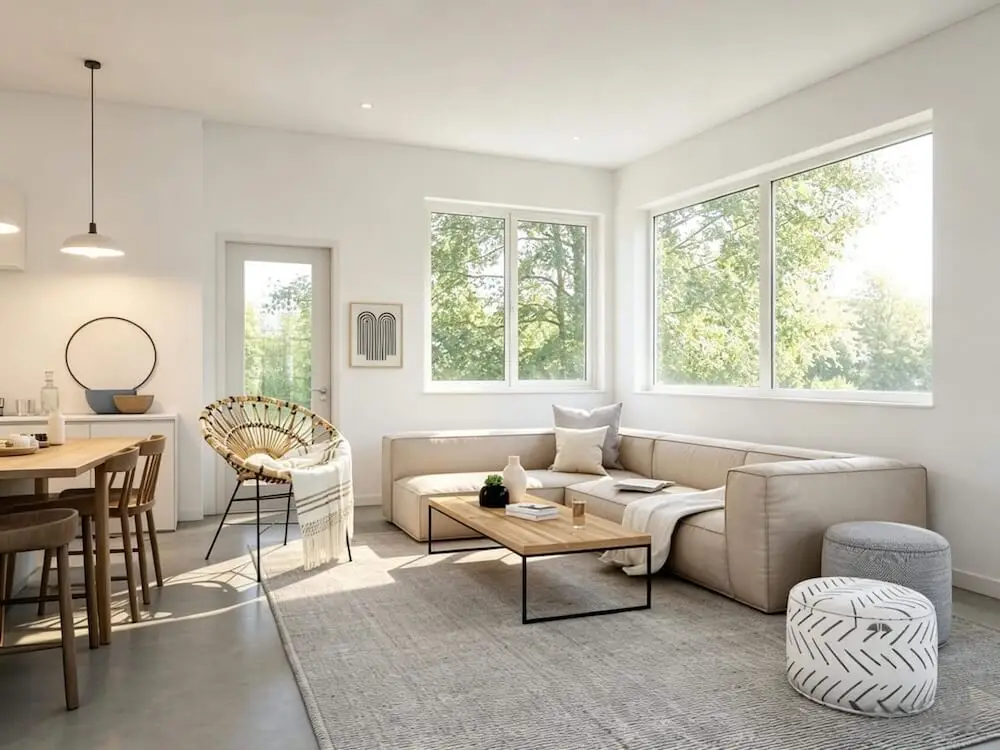
A brighter Scandinavian direction with softer lighting, lighter woods, and cleaner styling.
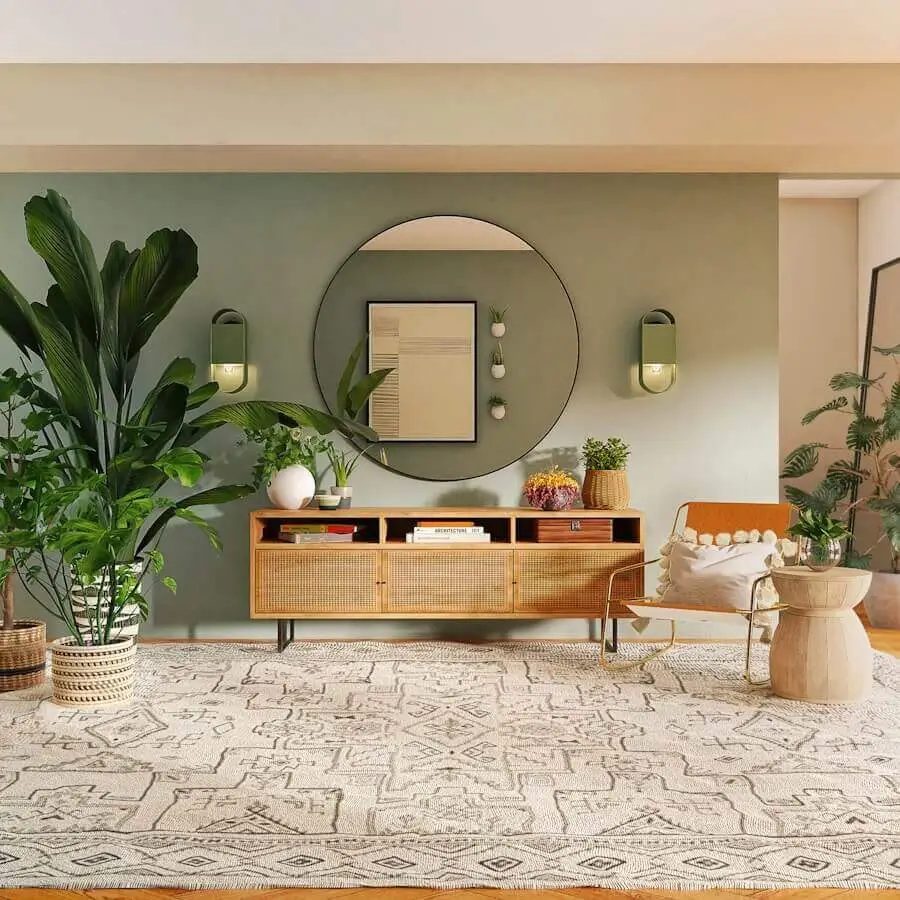
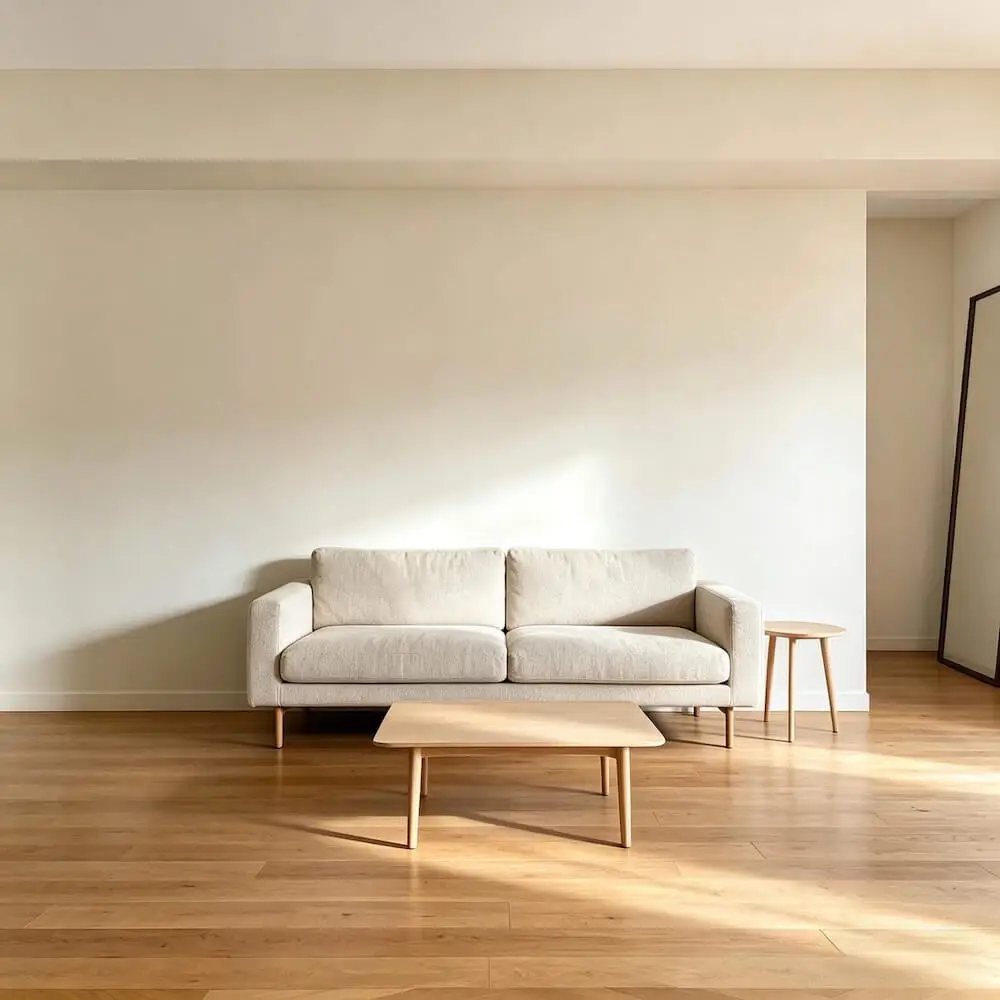
A brighter modern direction with cleaner lines, simpler furniture, and a more open feel.
Coverage
Whether you are exploring an AI living room design, an AI bedroom redesign, or a new kitchen direction, Roomagic gives you a faster way to test styles on the room you already have.
Why it matters
A strong AI room design experience should do more than produce a beautiful image. Roomagic helps you compare ideas, refine direction, and move toward decisions with more confidence.
Design diagnosis for the current space
Renovation direction and visual priorities
Material ideas to support the new look
Budget notes for early planning conversations
Best fit for Roomagic
Many AI home design tools stop at inspiration. Roomagic helps you redesign your room from a real photo, compare multiple options, and leave with guidance you can use to discuss materials, mood, and budget direction.
FAQ
Roomagic is built specifically for room redesign. You upload a photo of your actual space, choose a room type and style, and get a render that keeps the original room structure and camera view in mind. Each finished result also includes an AI design report, so it is more actionable than a generic text-to-image tool.
Use natural or even artificial light, capture the full room wall-to-wall, keep the camera level, and avoid extreme wide-angle distortion. The AI reads layout, depth, and existing furniture — a clear photo means a more accurate redesign.
Yes. Completed renders include a concise AI design report with design diagnosis, renovation direction, material suggestions, and a budget breakdown. Treat it as a strong planning reference, not a contractor quote or exact procurement sheet.
Roomagic supports residential interiors, outdoor areas, and a range of commercial spaces. You can choose from 35+ styles including Modern, Scandinavian, Minimalist, Bohemian, Industrial, Farmhouse, and more.
We use Google Sign-In for authentication — no passwords stored. Uploaded photos are processed via our AI pipeline and are not used for public model training. We keep data only as long as reasonably needed to operate the service and deliver your renders, and some standard processing files may be deleted after a short period.
Free accounts receive 30 credits on sign-up, which is enough for 3 standard renders. Pro is $19/month or $14/month billed yearly and includes 1000 credits every month, HD and 4K render quality, private renders, and priority support.
If you are searching for AI interior design, AI room design from photo, or a faster way to redesign your room before making real decisions, Roomagic is designed to make that process faster, clearer, and more inspiring.